Start with a calling list
Import a CSV or create a list from a supported CRM. Before a session, check the phone fields and decide when unanswered prospects can be called again.
 Positive
B2B cold calling software
Ubic is cold calling software for B2B teams. It calls up to three numbers at once, filters out voicemails and passes an answered call to an available SDR. Your team keeps control of the conversation and the follow-up.
FROM LIST TO CONVERSATION
No AI voice talks to the prospect.
THE WORK, NOT JUST THE DIALER
A clean list, the right time to call, a quick hand-off and a recorded outcome all matter. Ubic gives your SDRs a place to work through that session. They still choose whom to call, qualify the person who answers and decide what happens next.
HOW A SESSION RUNS
Import a CSV or create a list from a supported CRM. Before a session, check the phone fields and decide when unanswered prospects can be called again.
Ubic calls up to three numbers in parallel and filters voicemails and invalid numbers. Your SDR takes the conversation when a person answers.
The SDR records the outcome and schedules a follow-up when needed. What goes back to the CRM depends on the connector and its settings.
AFTER THE CALL
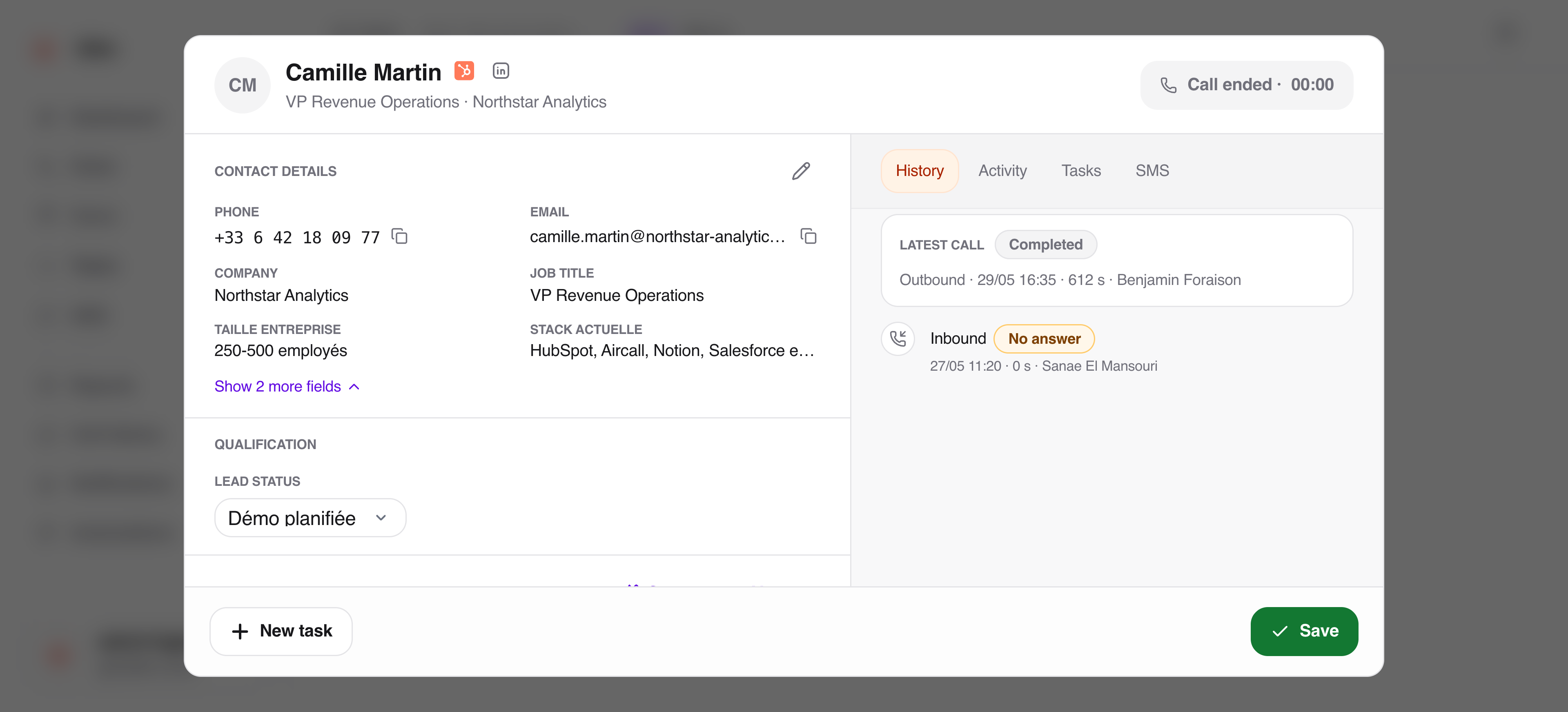
Take HubSpot as a concrete example: its contact lists can feed Ubic calling lists. Once an SDR selects an outcome, Ubic can update the HubSpot property chosen for that list. Notes, text messages and deal follow-up have their own settings and permissions. The call itself takes place in Ubic.
See the HubSpot workflow →Using another CRM? Check its connector before assuming that the same fields sync.
BEFORE YOU CHOOSE A TOOL
Test it with your own phone number. The hand-off should put a person from your team on the line, with the prospect record ready.
Ask how voicemail, invalid numbers and callbacks are handled. A faster dialer is of little use if it repeatedly calls the same bad list.
Check one contact from import through the completed call. List sources, statuses, notes and activities vary by integration.
Confirm number availability, applicable calling rules and data needs for each country you prospect in before rolling out.
Want the dialing mechanics in detail? Read how Ubic's parallel dialer works.
IS UBIC A FIT?
Ubic fits teams whose own SDRs call B2B prospect lists regularly and need the calling session, callbacks and CRM follow-up in one workflow. It is not an outsourced calling service or a voice bot. If you need to call consumers, or need a tool to speak instead of your team, this is a different use case.
Discuss your workflow →COMPARE BEFORE YOU COMMIT
See our source-checked overview of seven parallel dialers, the Aircall alternative guide, and how HubSpot's calling tools differ from a parallel dialer. For the complete quote, use theteam cost checklist.
No. Ubic handles the ringing and filters out voicemails; your SDR speaks when a person answers. It is designed for B2B sales teams that want their own people to run the conversation.
Yes. A HubSpot contact list can become a calling list in Ubic. The calls take place in Ubic, and the status selected by the SDR can update a HubSpot property configured for that list. Other data flows depend on the settings you enable.
No. Parallel calling is useful for an outbound session where many calls do not connect. A planned follow-up or a high-stakes account may be better handled one call at a time.
Bring a list source, the CRM fields you need, and the countries your team calls. We can show you what Ubic supports for that setup.